Preferences
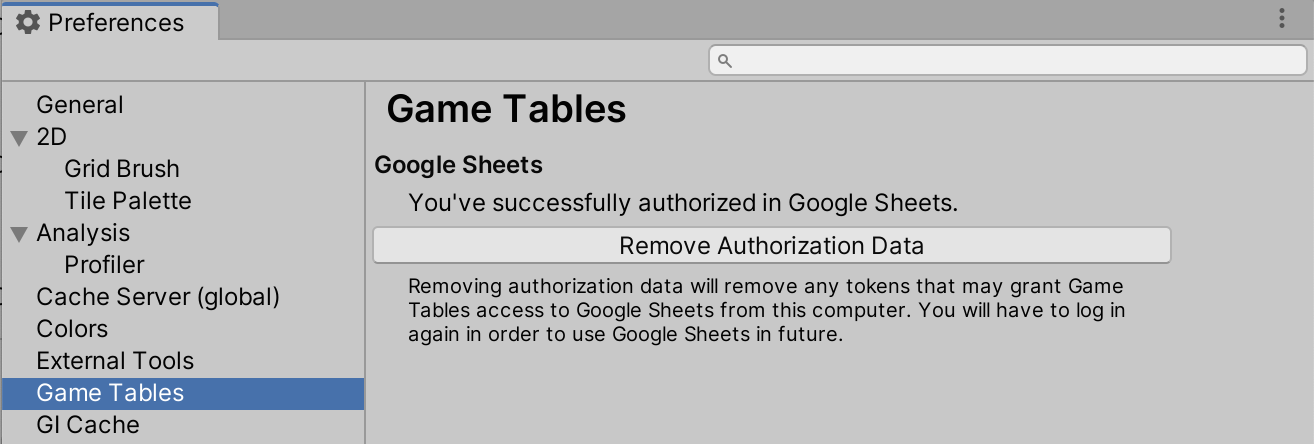
Game Tables adds a Game Tables section to Unity’s Preferences window (Edit / Preferences on Windows and Linux, Unity / Settings on macOS). The settings here are stored per user, not per project, so they apply to every project opened on this computer.
Google Sheets
This section manages your Google account sign-in. Only one of the controls below is shown at a time, depending on the current state.
- Sign In
-
Shown when you are not signed in. Starts the sign-in flow described in Sign In to Google Sheets.
- Cancel
-
Shown while a sign-in request is in progress. Aborts the pending request and returns the section to the not-signed-in state.
- Sign Out
-
Shown when you are signed in. Deletes the credentials stored on this computer that grant Game Tables access to Google Sheets. After clicking it, you will need to sign in again before importing from Google Sheets.
Sign Out only removes the locally stored credentials. It does not revoke the access grant on Google’s side. To do that, visit your Google account permissions page.